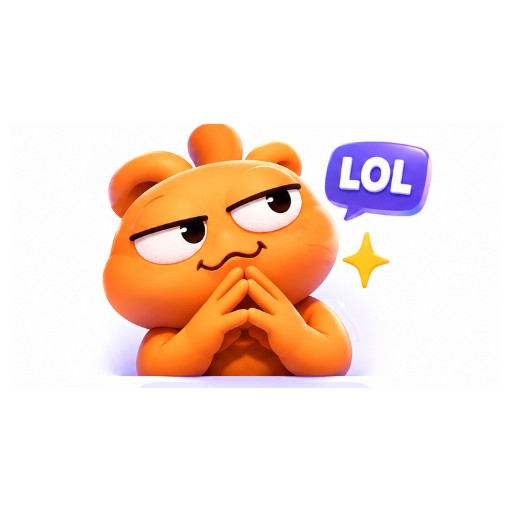
LOL
laughing reaction GIF, exaggerated funny expression, Discord chat style
GPT GIF Gen · AI GIF tools
Create reaction GIFs for Discord messages and community chats. Build expressive loops from a prompt or animate an uploaded image — then download a shareable GIF.
Styles
Actions
Tap a style above the generator, or start from these looks.
laughing reaction GIF, exaggerated funny expression, Discord chat style
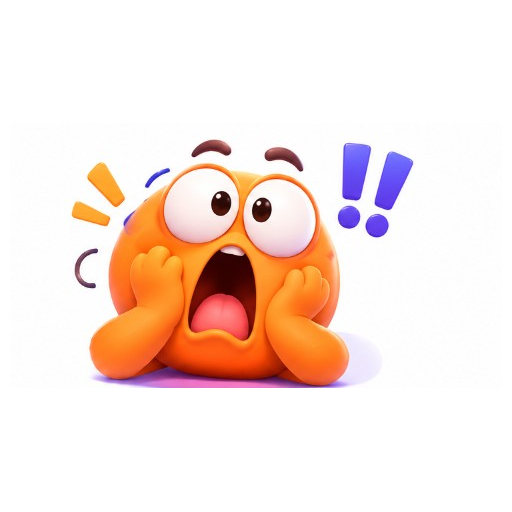
hype cheering reaction, energetic pose, Discord reaction GIF
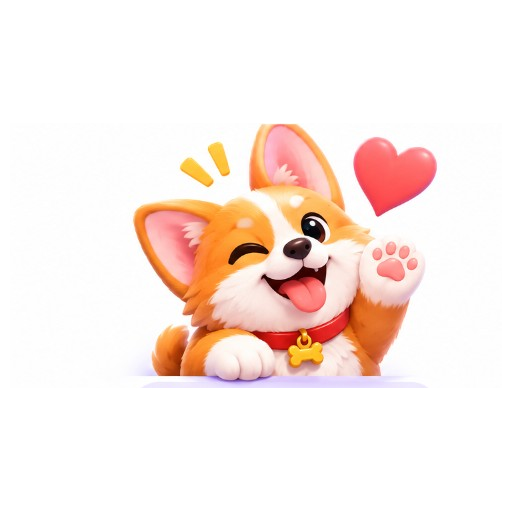
sad crying reaction, soft emotion, Discord reaction GIF loop
shocked wow reaction, wide eyes, Discord reaction GIF
angry rage reaction, steam effect vibe, Discord reaction GIF
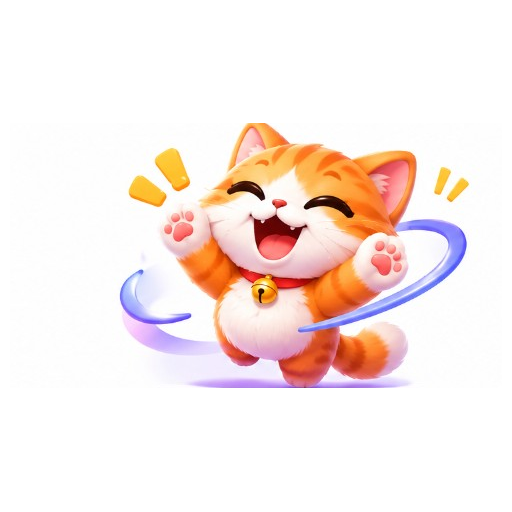
love heart reaction, soft smile, Discord reaction GIF
Example directions you can adapt in the generator.
A shocked-to-hype orange character reaction GIF for Discord, looping
A smug LOL reaction character GIF for Discord chats, looping
A cute kitten sending hearts Discord reaction GIF, looping
A corgi winking Discord reaction GIF, looping
Start with LOL, Hype, Sad, Wow, Angry, or Love presets.
Use text or upload an image, then generate a looping GIF.
Download the GIF and send it in chat, or use Discord’s GIF picker upload flow where available.
Reply in Discord with short expressive GIF reactions.
Make recurring meme reactions your community recognizes.
Share hype or LOL GIFs during live Discord hangouts.
Yes. Download the GIF and send it as a message attachment or through Discord’s GIF tools when supported.
No. Server emoji uploads require Discord’s size and slot rules. This maker creates reaction GIFs; you can still download and try uploading where Discord allows.
Yes. Switch to Image to GIF, upload a photo or drawing, and describe the reaction motion.
No. Discord animated avatars have separate Nitro and format requirements. Use our GIF Avatar Maker for general animated avatars, then follow Discord’s own avatar upload rules.