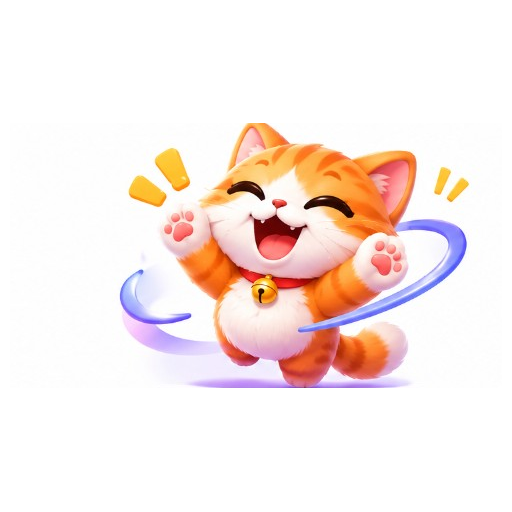
Cute
cute Twitch emote style, bold outline, readable at small size
GPT GIF Gen · AI GIF tools
Design expressive emote-style GIFs for stream culture. Generate Hype, Pog, LOL and more from a prompt, preview the loop, and download a GIF for your workflow.
Styles
Actions
Tap a style above the generator, or start from these looks.
cute Twitch emote style, bold outline, readable at small size
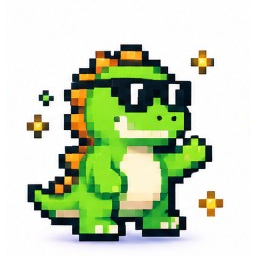
pixel art Twitch emote style, chunky pixels, clear silhouette

anime Twitch emote style, expressive eyes, bold outline
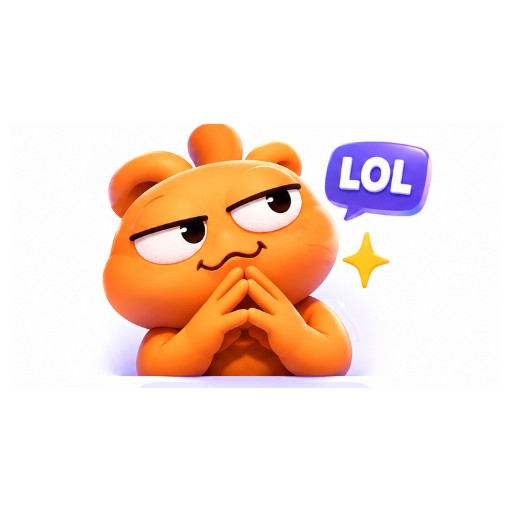
cartoon Twitch emote style, simple shapes, high contrast
Example directions you can adapt in the generator.
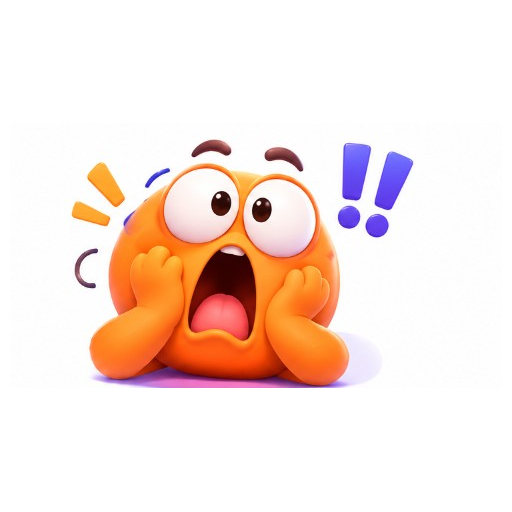
A Pog-style shocked emote GIF, bold outline, looping
A LOL smirk emote GIF for Twitch chat vibe, looping
A cute kitten hype emote GIF, bold outline, looping
A pixel art GG emote GIF, looping
Choose Hype, Pog, LOL, Sad, Love, Rage, or GG.
Cute, Pixel, Anime, or Cartoon keep the silhouette readable.
Download the loop. For official Twitch emote upload, follow Twitch’s size and review rules separately.
Explore emote concepts before commissioning final assets.
Prototype Hype, Pog, and LOL reactions for your community.
Compare cute, pixel, anime, and cartoon emote directions.
Not automatically. Twitch requires specific formats, sizes, and approvals. Use this maker to invent expressions, then prepare official assets to Twitch’s requirements.
Not yet. The current engine exports one looping GIF preview. Resize in your design tool for Twitch submission.
Yes. Upload the artwork with Image to GIF and describe a simple motion that stays readable small.
High-contrast faces with bold outlines — cute, cartoon, anime, and chunky pixel styles usually read best in chat.